
Why Primary Care Clinics Are Hiring Virtual Medical Assistants
Primary care clinics manage much more than patient visits. Every day brings phone calls, appointment requests, insurance checks, referrals, inbox messages, chart updates, and follow-up tasks. When these responsibilities accumulate, clinicians and front-desk employees have less time for work that requires their direct attention.
This pressure is one reason practices are considering a virtual medical assistant for primary care. A virtual medical assistant works remotely and supports approved administrative workflows through the clinic’s existing systems and communication processes.
The need is especially relevant for Florida practices serving growing communities in Tampa Bay, Orlando, Miami, Jacksonville, and surrounding areas. Clinics need reliable support, but adding another in-office employee may not always provide the flexibility or coverage they require.
The American Medical Association reports that administrative burden and system inefficiencies are associated with physician burnout. The Agency for Healthcare Research and Quality also provides dedicated guidance for addressing burnout in primary care. These findings reinforce the importance of improving workflows at the organizational level. AMA, AHRQ
This guide explains why clinics are adopting virtual support, which tasks can be delegated, and how to determine whether the model fits your practice.
✅ Key Takeaways
✅ A virtual medical assistant supports administrative and patient-coordination workflows remotely.
✅ Primary care clinics can delegate scheduling, reminders, referral tracking, and other approved tasks.
✅ Virtual support can reduce pressure on clinicians and front-desk employees.
✅ A successful arrangement requires defined responsibilities, secure access, and escalation protocols.
✅ Florida clinics can use remote staffing without limiting recruitment to their immediate area.
✅ Virtual assistants support your existing team; they do not replace licensed clinical judgment.
Is administrative work slowing down your practice?
Explore virtual medical assistant services for healthcare practices and identify the workflows that could be delegated.
What Is a Virtual Medical Assistant for Primary Care?
A virtual medical assistant for primary care is a remote professional who helps a medical practice manage authorized administrative and operational tasks. The assistant works outside the clinic but communicates with the internal team through approved digital systems.
Unlike a general administrative assistant, a healthcare-focused virtual assistant should understand medical terminology, patient communication standards, scheduling workflows, and the importance of protecting sensitive information.
Depending on training, assigned responsibilities, and clinic policies, a virtual assistant may support:
- Appointment scheduling and rescheduling
- Appointment confirmations and reminders
- Non-clinical patient communication
- Insurance eligibility checks
- Referral coordination
- Document organization
- Inbox and task-queue management
- Chart preparation and administrative updates
- Recall lists and approved follow-up workflows
- Communication between patients, providers, and outside offices
The clinic must define what the assistant can and cannot do. Licensed clinicians should retain responsibility for medical decisions, diagnosis, treatment, triage, and other tasks that require professional judgment.
Why Primary Care Clinics Need More Administrative Support
Primary care combines preventive services, chronic-condition management, acute visits, referrals, medication workflows, and ongoing patient communication. Each patient interaction can create several administrative tasks before and after the appointment.
For example, a single visit may require staff to:
- Confirm the appointment.
- Check insurance eligibility.
- Update demographic information.
- Obtain relevant records.
- Prepare the chart.
- Coordinate a referral.
- Process follow-up instructions.
- Respond to subsequent patient questions.
When the same employees also handle incoming calls and patients at the front desk, delays can develop quickly. Unanswered calls, incomplete referrals, and growing task queues can affect both staff workload and the patient experience.
The AMA notes that administrative demands can divert physician attention from direct patient care. Therefore, clinics need workflow changes that address the source of the burden—not simply ask employees to work faster. A remote assistant can provide dedicated capacity for repeatable tasks while the in-office team handles responsibilities that require physical presence.
How a Virtual Medical Assistant for Primary Care Supports Daily Workflows
The value of virtual support comes from assigning clearly defined workflows. A clinic should avoid handing over an unorganized collection of miscellaneous tasks. Instead, managers can create repeatable procedures with ownership, deadlines, and escalation rules.
Appointment scheduling and calendar management
A virtual assistant can answer scheduling requests, offer approved appointment options, manage cancellations, and update the calendar. The assistant can also flag requests that require review by an internal team member.
This support helps the front desk remain available for patients who are physically present in the clinic.
Appointment reminders and recall outreach
Missed appointments and delayed follow-ups create gaps in the schedule. A virtual assistant can manage approved reminder workflows through phone calls, secure messages, or the practice’s scheduling platform.
The assistant may also work through recall lists for wellness visits or routine follow-ups when the clinic supplies approved scripts and eligibility rules.
Insurance eligibility verification
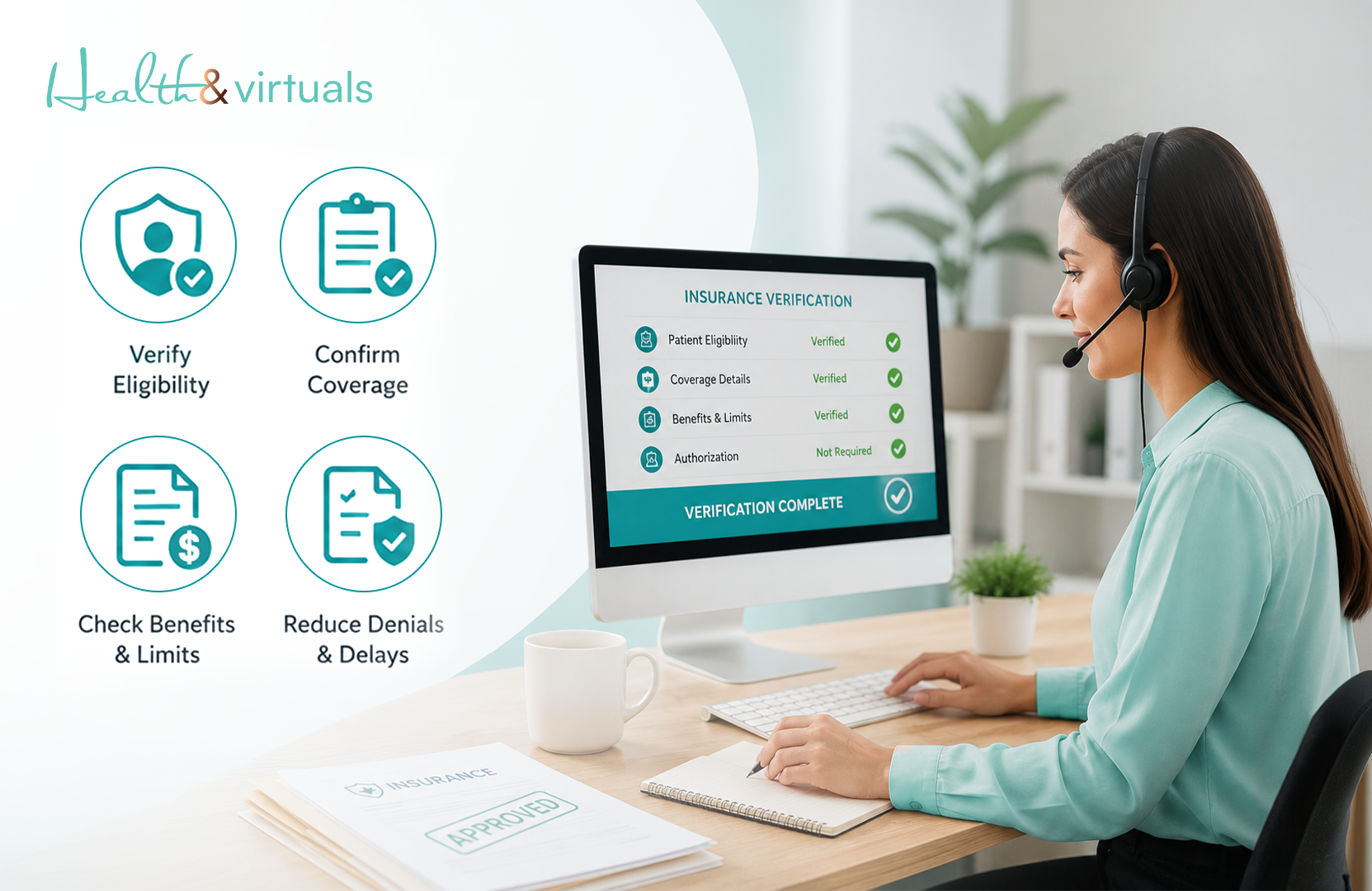
Insurance questions can delay check-in and create uncomfortable surprises for patients. A properly trained assistant may verify eligibility before scheduled visits and flag discrepancies for the appropriate team member.
The assistant should not promise coverage or payment. Verification confirms available payer information, while the insurer ultimately determines benefits and claims.
Referral coordination
Primary care practices frequently coordinate care with specialists, imaging centers, laboratories, and other facilities. A virtual assistant can help send approved records, track referral status, follow up with outside offices, and update the clinic’s task queue.
Clear tracking can reduce the chance that a referral remains incomplete without anyone noticing.
Administrative chart preparation
Before an appointment, the assistant may organize available documents, identify missing forms, and prepare approved administrative sections of the chart. After the visit, the assistant can route documents and follow-up tasks according to the clinic’s process.
The provider remains responsible for reviewing and approving clinical documentation.
Non-clinical patient communication
A virtual assistant can handle routine scheduling, billing, referral, and paperwork questions using clinic-approved scripts. Any symptom-related, urgent, or clinically complex message should immediately follow the practice’s escalation protocol.
Why Florida Clinics Are Considering Virtual Medical Assistants
Florida contains large metropolitan areas, expanding suburban communities, seasonal residents, and rural regions. These different markets create different staffing and patient-access pressures.
HRSA maintains current maps of designated primary care Health Professional Shortage Areas across the United States. These designations do not prove that every Florida clinic lacks staff, but they show why workforce capacity and access remain important planning issues. HRSA shortage-area maps
A virtual medical assistant for primary care allows a Florida clinic to recruit beyond its immediate commuting area. The model may help practices in Tampa Bay, Oldsmar, Orlando, Miami, Jacksonville, and smaller communities access administrative support without requiring the employee to occupy space inside the office.
Virtual staffing may be useful when a practice:
- Has difficulty maintaining front-desk coverage
- Experiences heavy call or message volume
- Needs support during extended business hours
- Has limited workstation or office space
- Wants to separate focused back-office work from front-desk interruptions
- Plans to add providers or locations
- Needs flexible administrative capacity
The virtual model does not automatically solve a broken workflow. However, it can work well when the clinic documents its processes and assigns the right responsibilities.
Virtual Support Versus an In-Office Medical Assistant
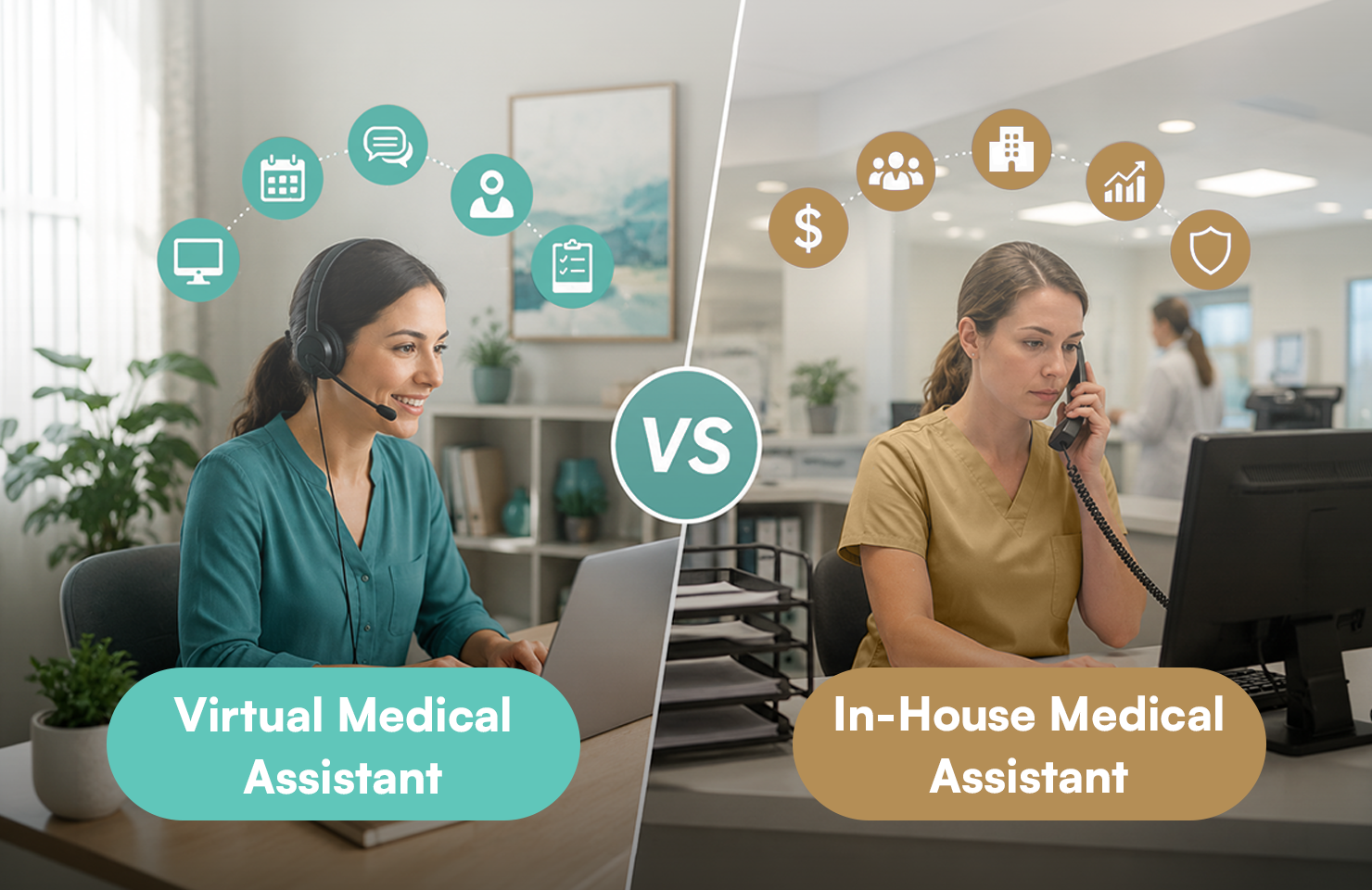
Virtual and in-office team members serve different purposes. The right choice depends on the work your clinic needs completed.
| Workflow | Virtual assistant | In-office team member |
| Appointment scheduling | Suitable | Suitable |
| Reminder calls and messages | Suitable | Suitable |
| Referral tracking | Suitable | Suitable |
| Eligibility verification | Suitable | Suitable |
| Administrative chart preparation | Suitable | Suitable |
| Greeting patients | Not suitable | Required |
| Taking vital signs | Not suitable | Required |
| Preparing examination rooms | Not suitable | Required |
| Administering medications | Not suitable | Requires authorized clinical staff |
| Hands-on procedures | Not suitable | Requires qualified on-site staff |
A virtual assistant should complement your internal employees. By shifting appropriate administrative tasks away from the front desk, you can give on-site staff more time for patients, clinicians, and responsibilities that require physical presence.
Need help deciding what to delegate?
Review Health & Virtuals’ remote medical practice support options and start with one measurable workflow.
How to Introduce a Virtual Assistant Without Disrupting Your Clinic
A rushed rollout can create confusion. A phased plan gives the assistant and internal team time to build a reliable working relationship.
1. Identify a measurable bottleneck
Start with a specific problem, such as unanswered scheduling calls, delayed insurance checks, or incomplete referral follow-ups. Avoid using “general support” as the only job description.
2. Document the current process
Write down:
- Who starts the task
- Which system they use
- What information they need
- When the task is complete
- Which situations require escalation
- Who reviews the work
This process becomes the assistant’s operating guide.
3. Set access according to responsibility
Provide only the access required for assigned duties. Use unique accounts, role-based permissions, multifactor authentication, and activity logging when supported by your systems.
Your practice should confirm vendor arrangements, privacy obligations, access controls, and any required agreements with qualified compliance or legal professionals.
4. Begin with a limited task set
Start with one or two repeatable workflows. Review accuracy and communication before expanding the assistant’s responsibilities.
5. Define communication routines
Decide how the assistant will communicate with the team. Options may include secure internal messaging, task-management tools, daily huddles, or EHR inboxes.
6. Measure operational results
Useful measures may include:
- Calls answered
- Scheduling requests completed
- Reminder attempts made
- Eligibility checks completed before visits
- Referrals awaiting action
- Average task turnaround
- Escalations handled correctly
- Corrections or rework required
These measures help you evaluate the workflow without relying on vague impressions.
What to Look for When Hiring a Primary Care Virtual Assistant
The right candidate needs more than basic computer skills. Look for a combination of healthcare knowledge, communication ability, reliability, and respect for workflow boundaries.
Ask potential staffing partners about:
- Healthcare-specific training
- Experience with primary care workflows
- Medical terminology
- Patient communication skills
- EHR or practice-management familiarity
- Candidate screening and references
- Attendance and coverage expectations
- Quality monitoring
- Escalation procedures
- Replacement and continuity planning
- Data-access and privacy practices
- Ongoing management and support
You should also discuss the specific systems your clinic uses. Familiarity with a software brand can help, but assistants still need training on your templates, permissions, naming conventions, and internal processes.
For Florida practices, virtual staffing also expands the available talent pool beyond one city or commuting radius. More importantly, it can create dedicated capacity for scheduling, referral coordination, patient communication, and other essential operational work.
The goal is not to remove the human connection from primary care. It is to give your internal team more time to provide it.
Build a more manageable primary care workflow.
Explore virtual medical assistant support from Health & Virtuals or access the Health & Virtuals talent platform to take the next step.
Disclaimer: This article provides general operational information and does not constitute medical, legal, privacy, cybersecurity, employment, or regulatory advice. Practices should consult qualified professionals and review applicable federal and Florida requirements before assigning responsibilities or granting system access.
Frequently Asked Questions
Can a virtual medical assistant speak with patients?
Yes, when patient communication falls within an approved non-clinical workflow. An assistant may help with scheduling, reminders, paperwork, referrals, or billing questions. Clinical concerns should be routed to qualified clinic staff.
Can a virtual assistant access our EHR?
A clinic may provide controlled access when it is necessary for assigned work and appropriate safeguards are in place. Use individual accounts, limited permissions, secure authentication, and audit capabilities where available.
Can a virtual medical assistant provide clinical advice?
No. A virtual assistant should not diagnose conditions, recommend treatment, independently triage symptoms, or replace a licensed clinician. The clinic must define and enforce escalation procedures.
Which tasks should a primary care clinic delegate first?
Start with high-volume, repeatable work such as appointment reminders, scheduling requests, eligibility checks, referral tracking, or approved non-clinical messages. Select a workflow that can be measured easily.
How quickly can a virtual assistant become productive?
The timeline depends on the assistant’s background and the complexity of your systems. A phased onboarding plan with documented processes usually works better than assigning every task immediately.
How can Florida practices assess whether virtual support is working?
Track turnaround time, completion volume, accuracy, unresolved tasks, call coverage, and escalation quality. Compare results with the baseline recorded before onboarding.
Does a virtual assistant replace an in-office medical assistant?
No. Virtual assistants cannot perform physical duties such as taking vital signs, preparing examination rooms, or assisting with hands-on procedures. They support eligible remote workflows.
Is a Virtual Medical Assistant Right for Your Primary Care Clinic?
A virtual medical assistant for primary care may be a strong fit when administrative demand regularly exceeds your team’s available time. The model works best when you have repeatable remote tasks, clear management expectations, secure systems, and a defined escalation path.